How to use ShowPay
Account access, dashboard navigation and transaction history.
Read the app guide
Use the login above to access your account. Below, find clear answers about how to use ShowPay, check a deposit, understand USDT network details and get login help.
Guide reviewed · Check current account instructions before a transaction.
Account access, dashboard navigation and transaction history.
Read the app guideWhat to check before sending and how to follow a pending payment.
Read deposit helpMatch the supported network, full address and displayed fees.
Read the USDT guideShowPay, also written Show Pay, is the name used for the account service and guides on this website. The web app provides account access and the payment tools enabled for your account. Features and transaction terms can change, so the signed-in dashboard is the place to check current information.
Use a deposit feature only if it is currently available in your own account. Public videos and screenshots can explain a screen, but they cannot confirm today's recipient details, fees, limits or availability.
ShowPay में deposit कैसे करें? अपने अकाउंट में उपलब्ध deposit विकल्प खोलें। भुगतान से पहले तरीका, प्राप्तकर्ता, राशि और फीस जाँचें। USDT के लिए network और पूरा wallet address मिलाएँ। भुगतान के बाद transaction reference सुरक्षित रखें और status देखें।
Detailed deposit checklist · USDT deposit checks · Pending transaction help
Find a walkthrough for your task, then compare it with the instructions in your current account. Independent creators may include referral links; their videos do not establish fees, processing times or returns for this website.
A Hindi-language creator video about the Showpay deposit and withdrawal process.
Watch the deposit walkthroughAn external overview of app and buy/sell features. Review current account terms before acting on a creator's claims.
Watch the app overviewA short video shared on Instagram. Open it to view the creator's post and context; Instagram may require sign-in.
View the Instagram reelThese existing app screenshots illustrate the interface. Current account options and supported payment channels can differ.
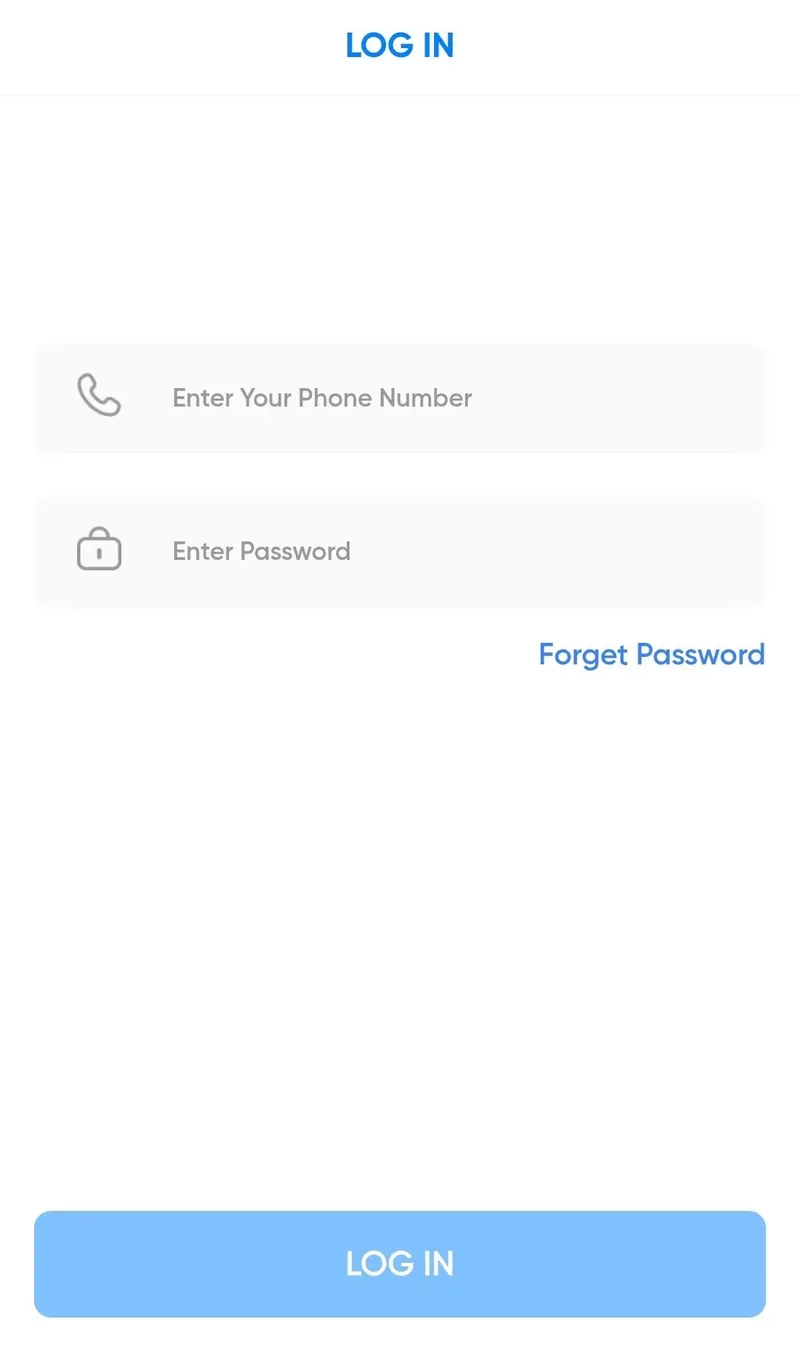
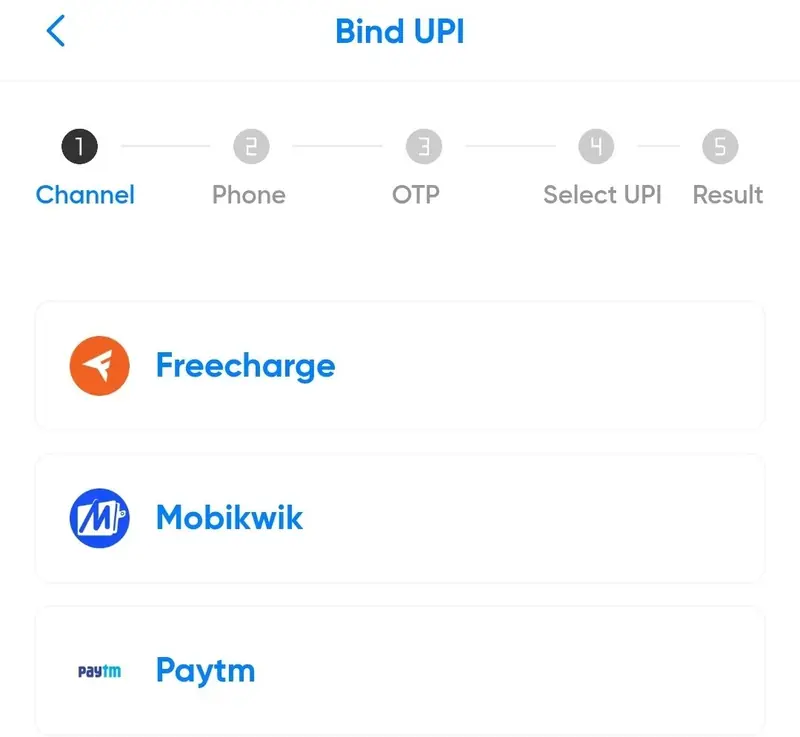
Search links below open discovery results, not verified ShowPay profiles. The name is used by different services, so check the publisher and website before following instructions.
Videos and social posts are external references, not current payment instructions.
The login for this website is https://showpay-offical.website/. Check the full address and use only your own registered account details.
Open the website in a current browser, sign in, review the tools available in your dashboard and check transaction history for any action you take.
If a deposit method is available in your account, open it and review the current recipient, payment method, amount, fees and expiry. Follow those on-screen instructions and retain the transaction reference.
Check the payment reference or blockchain transaction ID against the status in your account. Avoid repeating a transfer while its status is unclear and use the support option provided by your account service.
Yes. The web app works in a current phone browser. This website does not provide a direct APK download.
Use the Forget Password link displayed with the login form and follow the recovery instructions there. Never share your password, OTP or MPIN.
Read the support guide and use the verified contact option provided by your account service. Prepare the displayed error or transaction reference without sharing account secrets.